
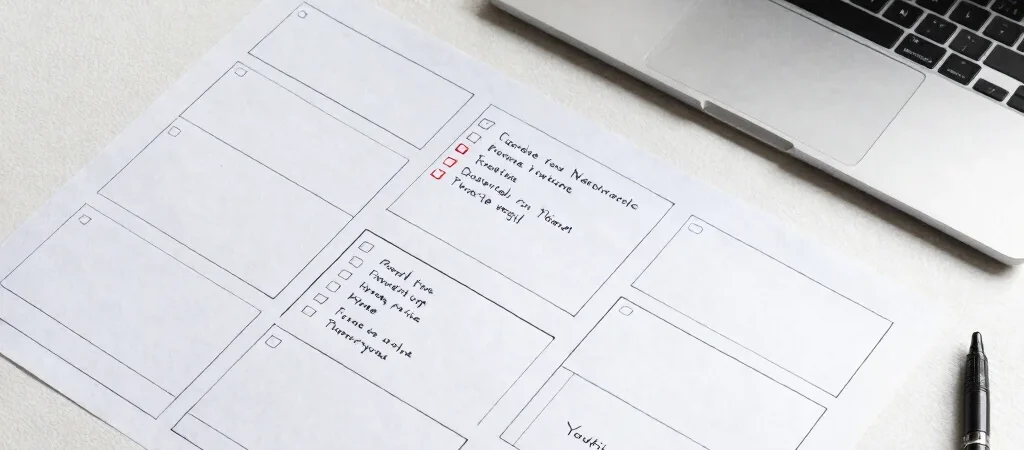
A YouTube video can begin as a rough note and end as a thumbnail, description, and scheduled upload, with plenty of small tasks in between. Automating before those tasks have a clear order often adds more cleanup than it saves. Start by mapping one video from idea to publish.
Map the repeatable work
Write down the steps you take for a typical video: research, outline, script, record, edit, package, and publish. Mark the parts that happen every time, such as turning the outline into a shot list or checking that the description includes the right links. Keep creative decisions, like your point of view and final edit, under your own review.
Automate one handoff
Choose a small handoff that repeatedly slows you down. For example, use an AI writing tool to turn a finished outline into a first-pass description and chapter ideas, then edit them against the actual video. A reusable prompt should include the audience, topic, key points, and a request not to invent details.
Keep publishing in view
Once the video is ready, a checklist can catch practical misses such as an unclear title, a thumbnail that is hard to read at small size, or a description that does not match the content. YouTube Studio includes tools for managing video details and scheduling publication, so check what it can handle before adding another service. Review the workflow after a few uploads and remove steps that create more work than they save.